Functional apps
7.1 The customer portal
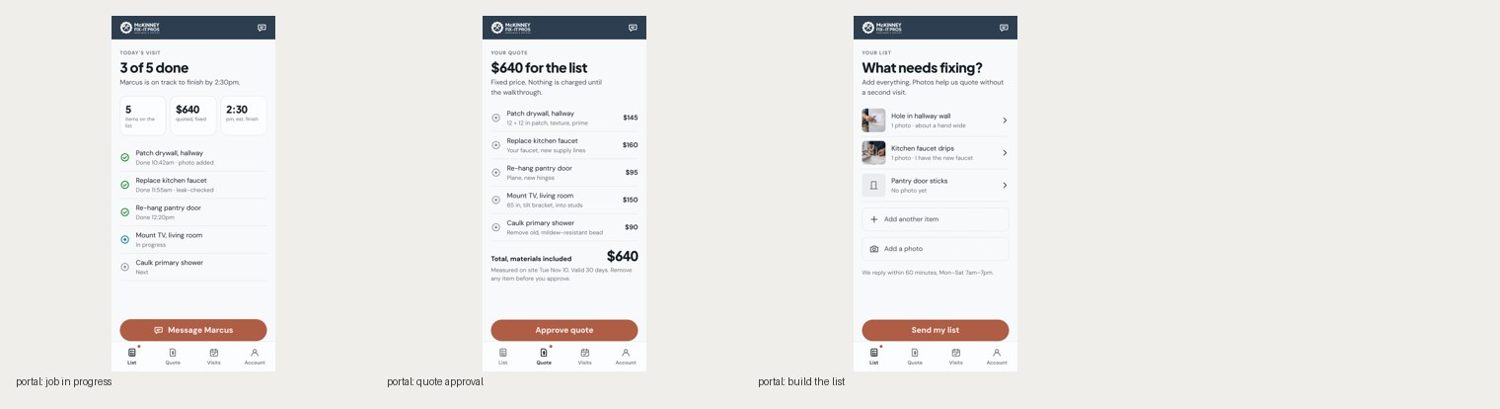
A phone-first web app. Each screen is named for the question the customer opens it to answer.
| Screen | Question | First thing shown | Primary action |
|---|---|---|---|
| Your list | What needs fixing? | Their items with photos | Send my list |
| Your quote | What will it cost? | One total, then each item and price | Approve quote |
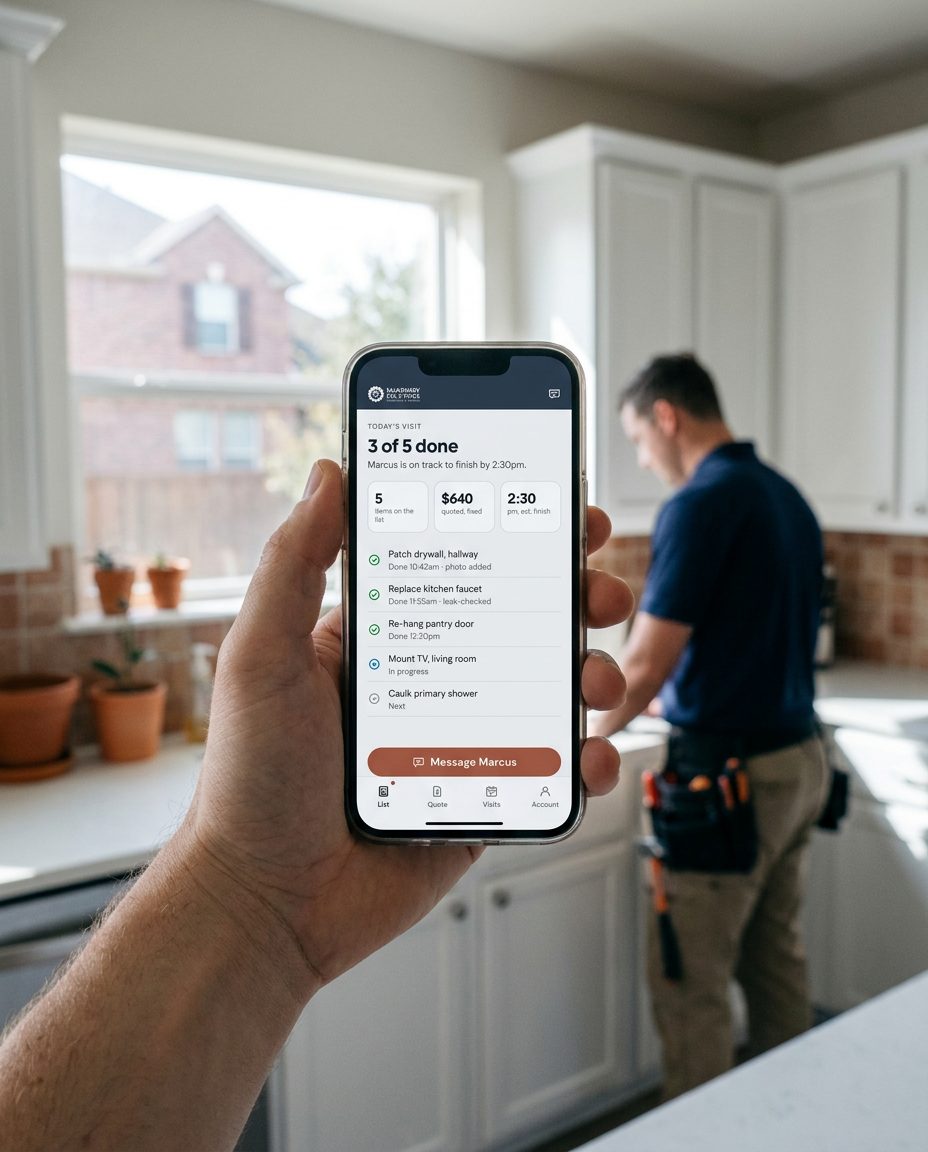
| Today's visit | Is my list getting done? | "3 of 5 done" and the finish time | Message the technician |
| Visits | When are you coming? | Next window, then history | Change time |
| Account | n/a | Address, contact, receipts | n/a |
7.2 Frame and patterns
Slate top bar 56 px with the reversed logo and a chat button. Content padding 20 px. Bottom tabs 72 px, four items. The primary button docks above the tabs. Patterns: verdict row of up to three stat cards; the ticked list; total line; dashed add rows; photo thumbnails.
7.3 States every screen handles
Loading (skeleton rows with shimmer), empty ("Nothing on your list yet. Add the first job."), partial (quote ready for some items), error (what failed and what to do), offline (changes saved on the phone and sent later), stale (time of last update shown).
7.4 Content rules
Prices in whole dollars. Times in 12-hour form with am/pm, no leading zero. Technicians by first name. Status words are fixed: Next, In progress, Done, Needs attention. Never "seamless", never an exclamation mark.